For iPad and Apple Pencil
Your today, already on paper. Ready whenever you are.
Your real schedule, printed on beautiful paper — you write the rest with Apple Pencil.
Coming to the App Store.
Free to plan today and this week, always.
For iPad and Apple Pencil
Your real schedule, printed on beautiful paper — you write the rest with Apple Pencil.
Coming to the App Store.
Free to plan today and this week, always.
Before
Your meetings live in one app and your plan lives in another, and you are the sync engine. Orifold ends that.
7:00 · One day
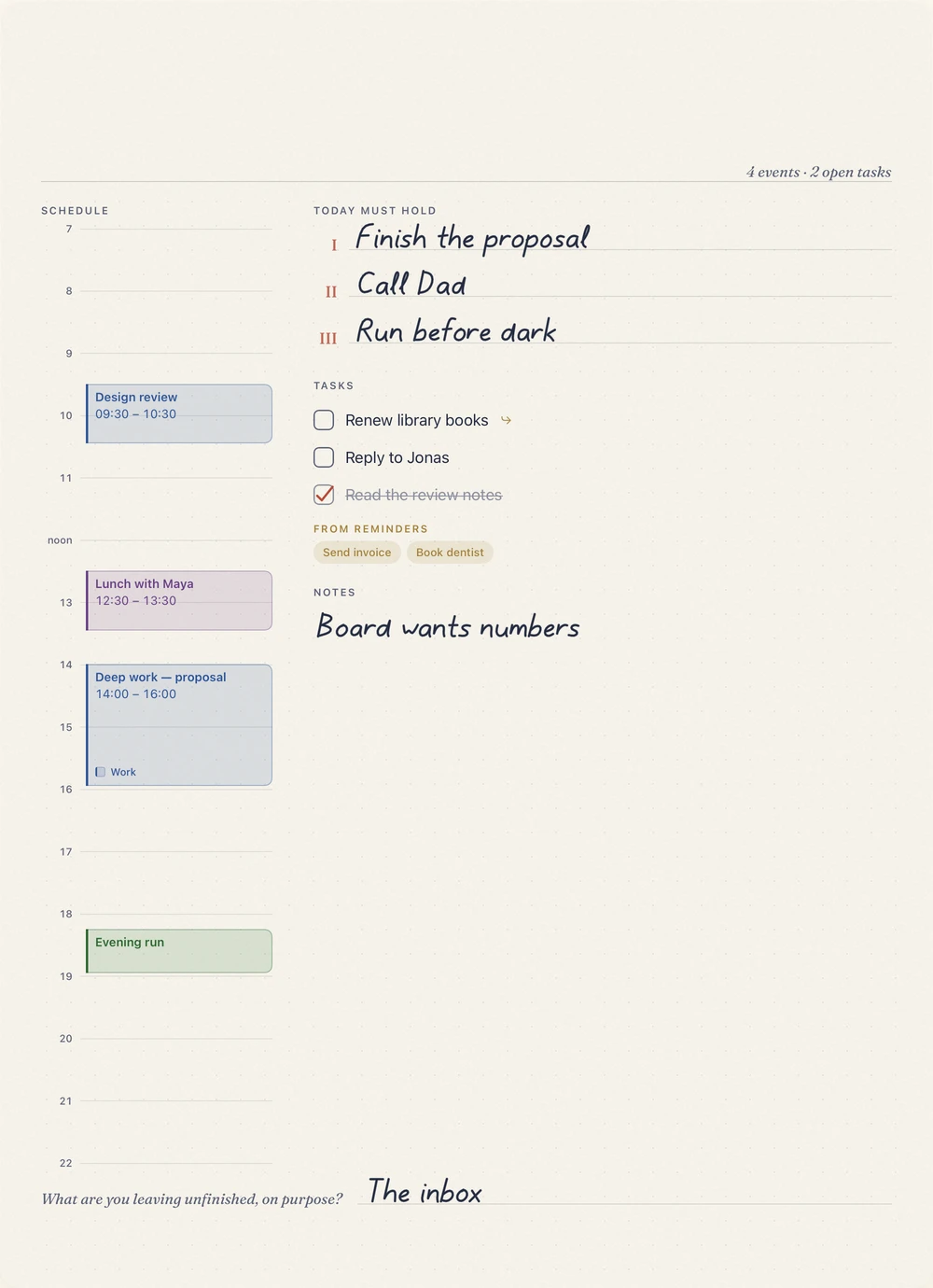
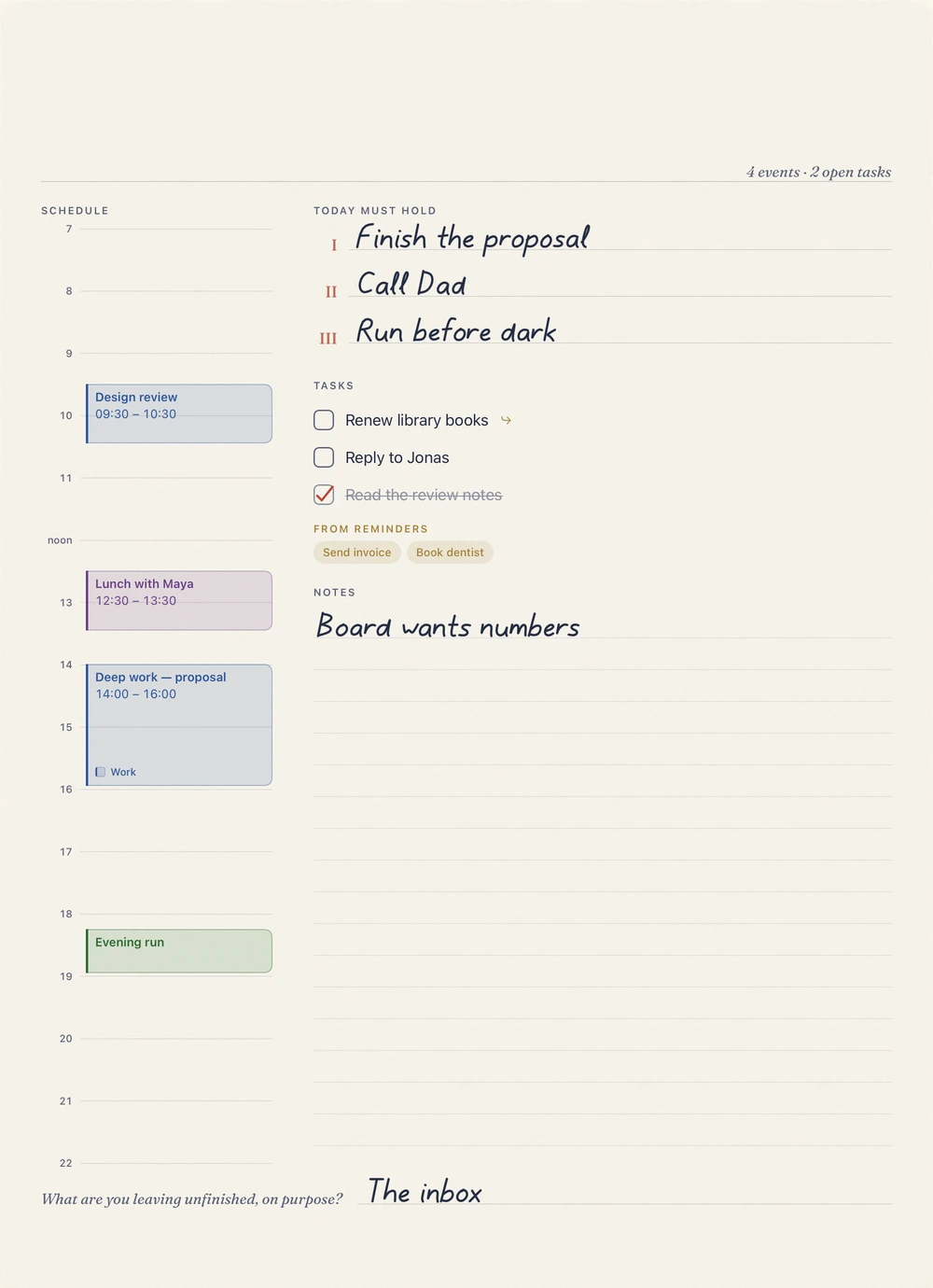
Your events and reminders print themselves onto the page.
9:30 · The pencil
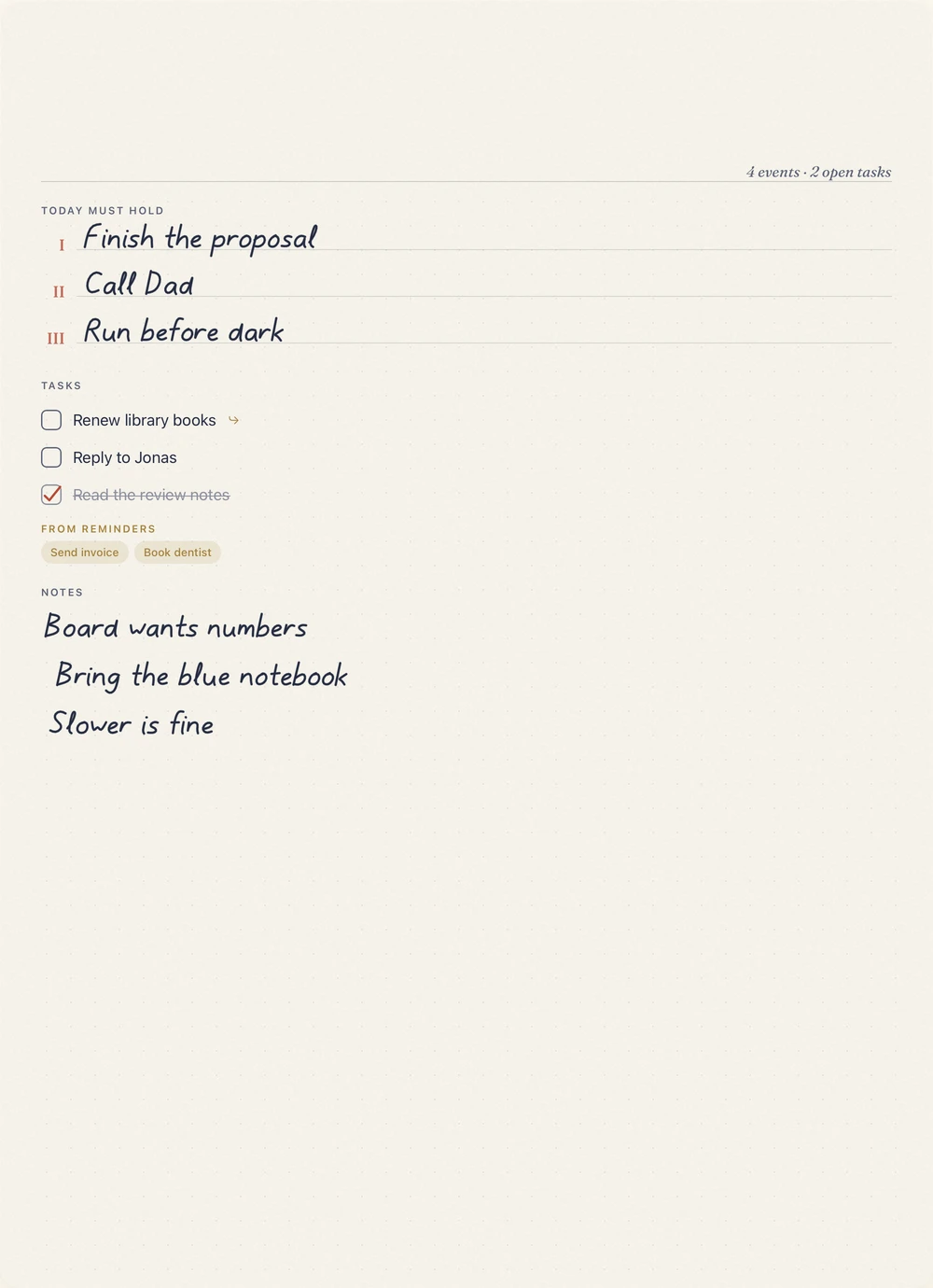
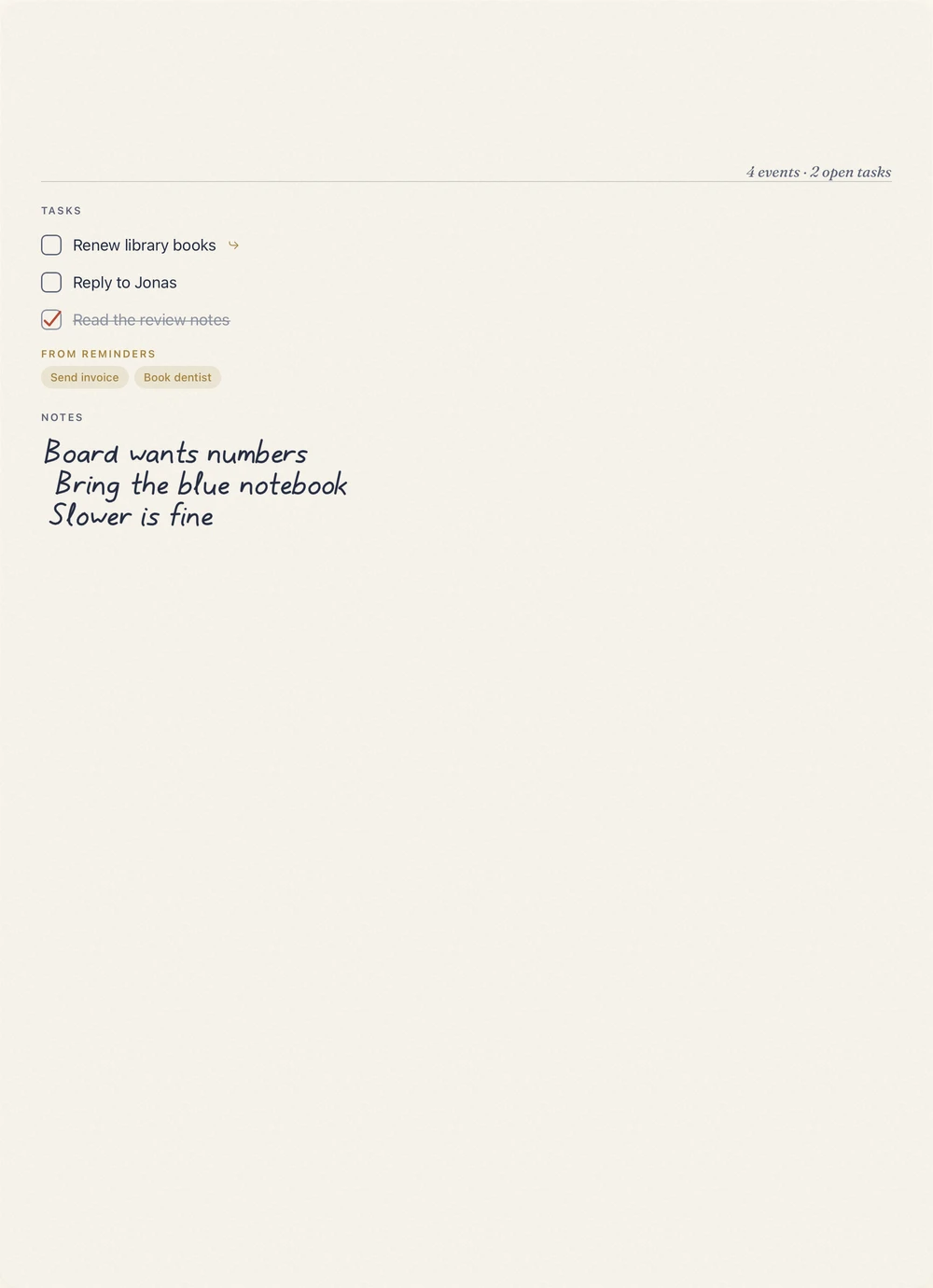
Priorities, tasks and notes, in ink that feels like a good pen on cotton paper.
11:00 · The inks
Prussian
Seven more with Plus, and a new set with each drop
15:00 · Focus
Tap any event to start a focus block. The timer keeps to your Lock Screen.
One focus block a day on the free desk
17:00 · The tasks
Unfinished ones fold forward to tomorrow.
18:30 · Search Plus
Handwriting is read on your iPad, and search finds it.
21:00 · The evening
A line of reflection, unfinished tasks carried forward. Two quiet minutes.
7:00 · The next morning
What you didn't finish is already on tomorrow's page.
Your turn
A finger, a trackpad or a mouse will do. On the iPad, the page keeps it.
A season in
Each written day joins the month, in your own hand.
The month, in ink
Quarter in Ink
At the quarter, the season folds into one page you can share.
Every past page stays open with Plus. Nothing you write is ever deleted.
A sample day
The paper
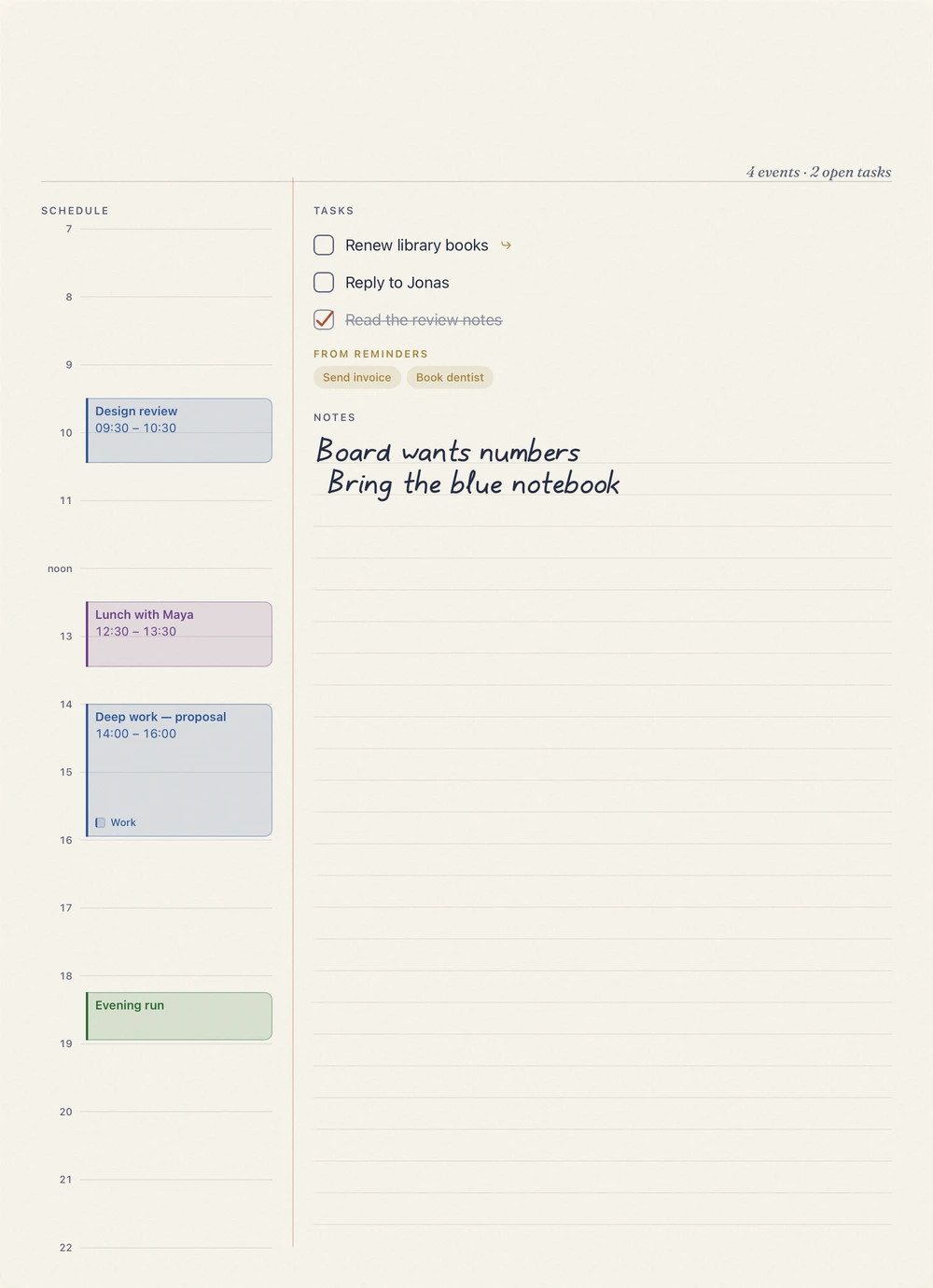
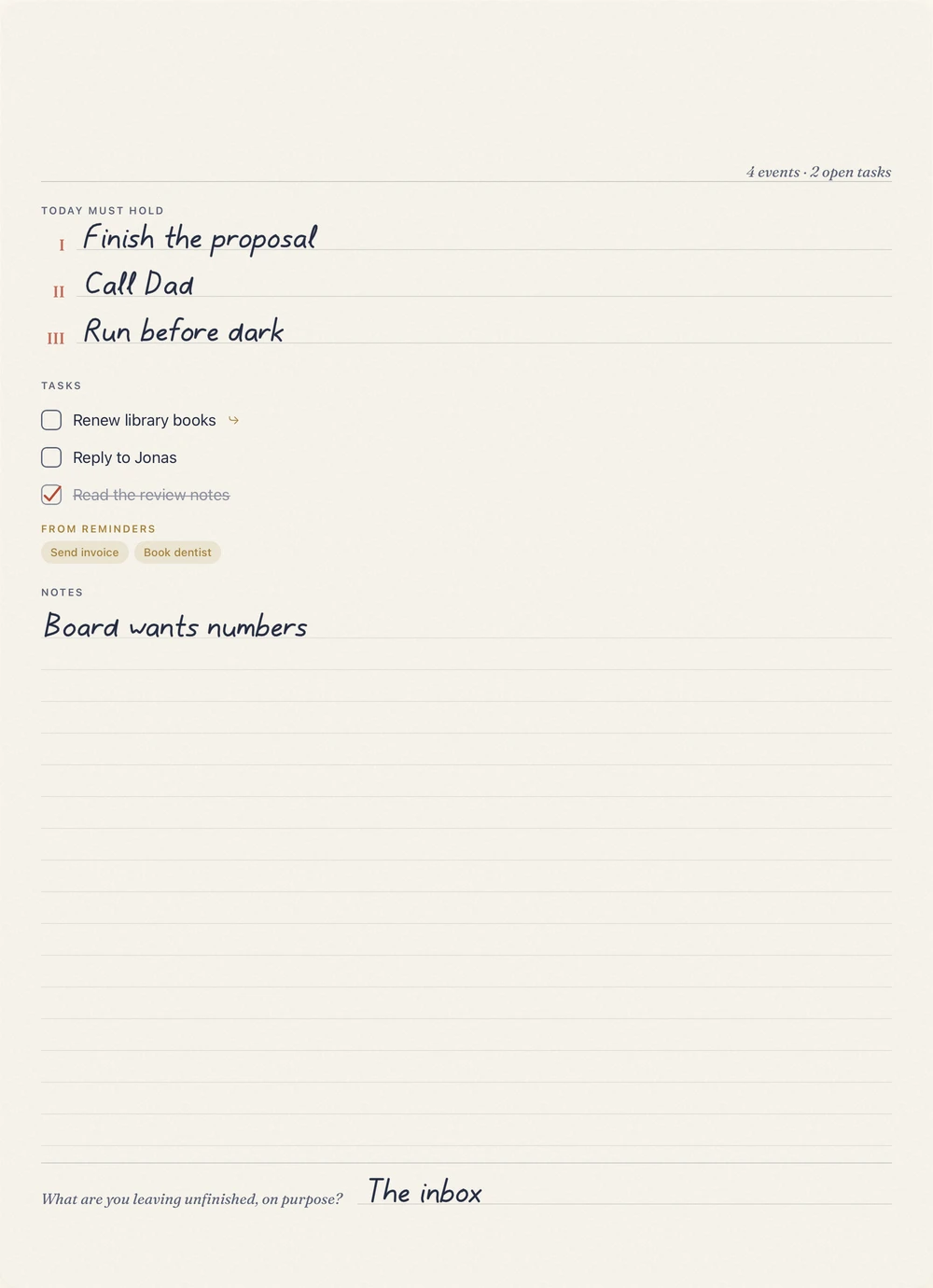
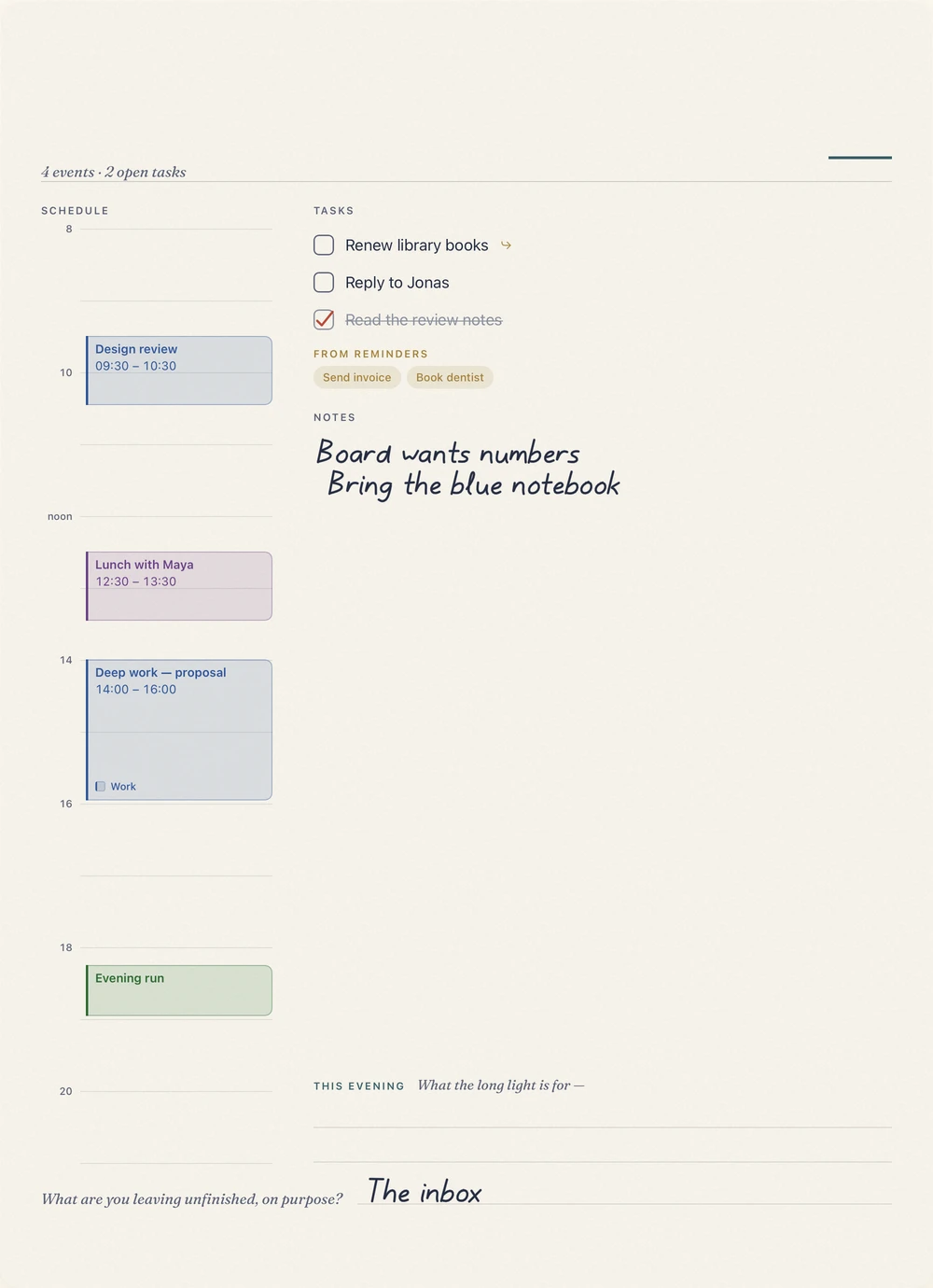
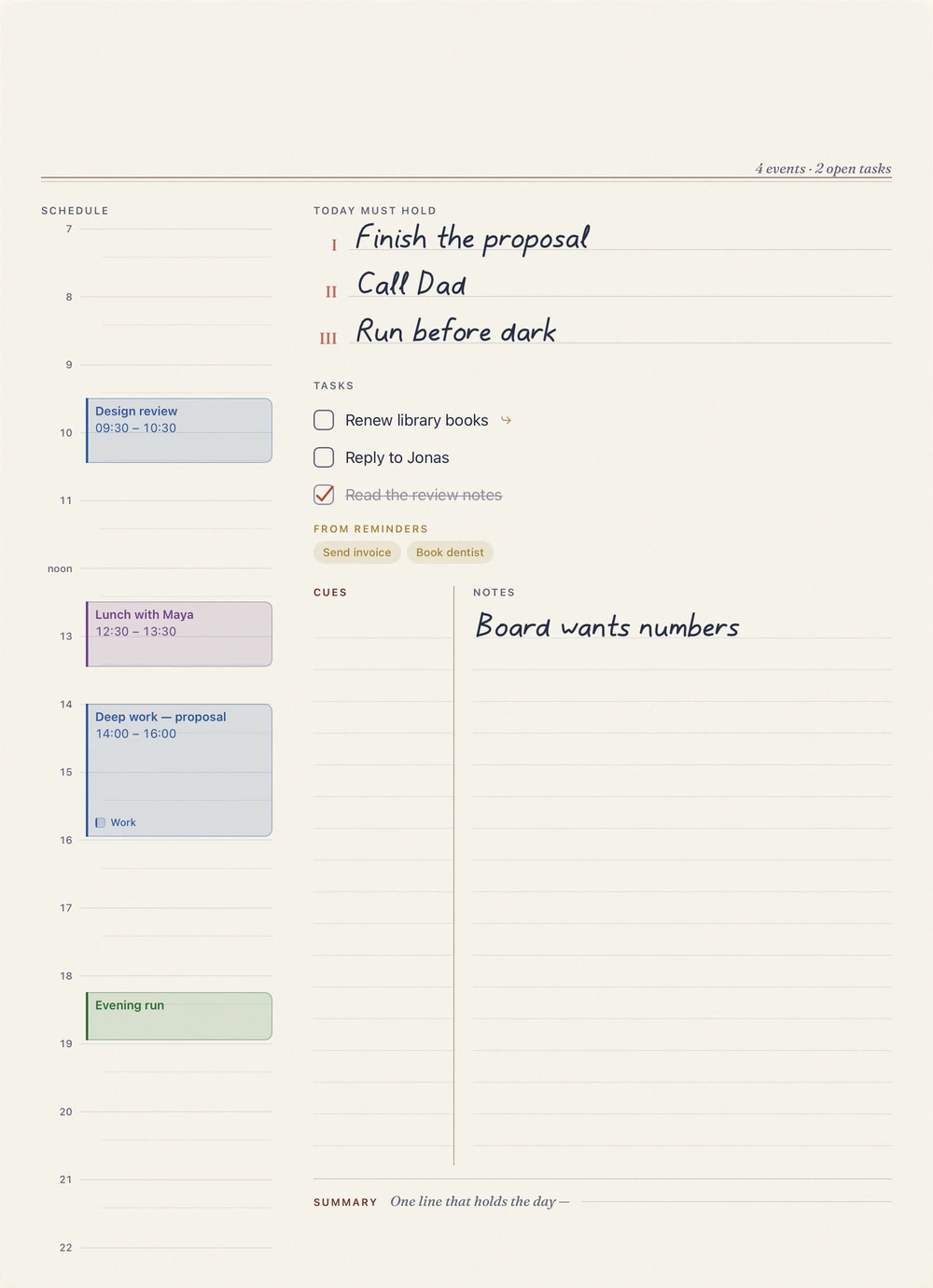
Six layouts to begin with, from a structured Studio page to open Blank paper. Each month since August 2026 has added to them. You buy living stationery, not another 200-page PDF.
Studio is free; the rest come with Plus.
Days you've written on keep their paper — a new layout applies to untouched days.
August 2026 Plus
Slow hours deserve wide margins. The timeline loosens, and the evening gets a band of its own.
September 2026 Plus
Ruled tighter for study season: a cue column beside your notes, one summary line to close the page.
October 2026 Plus
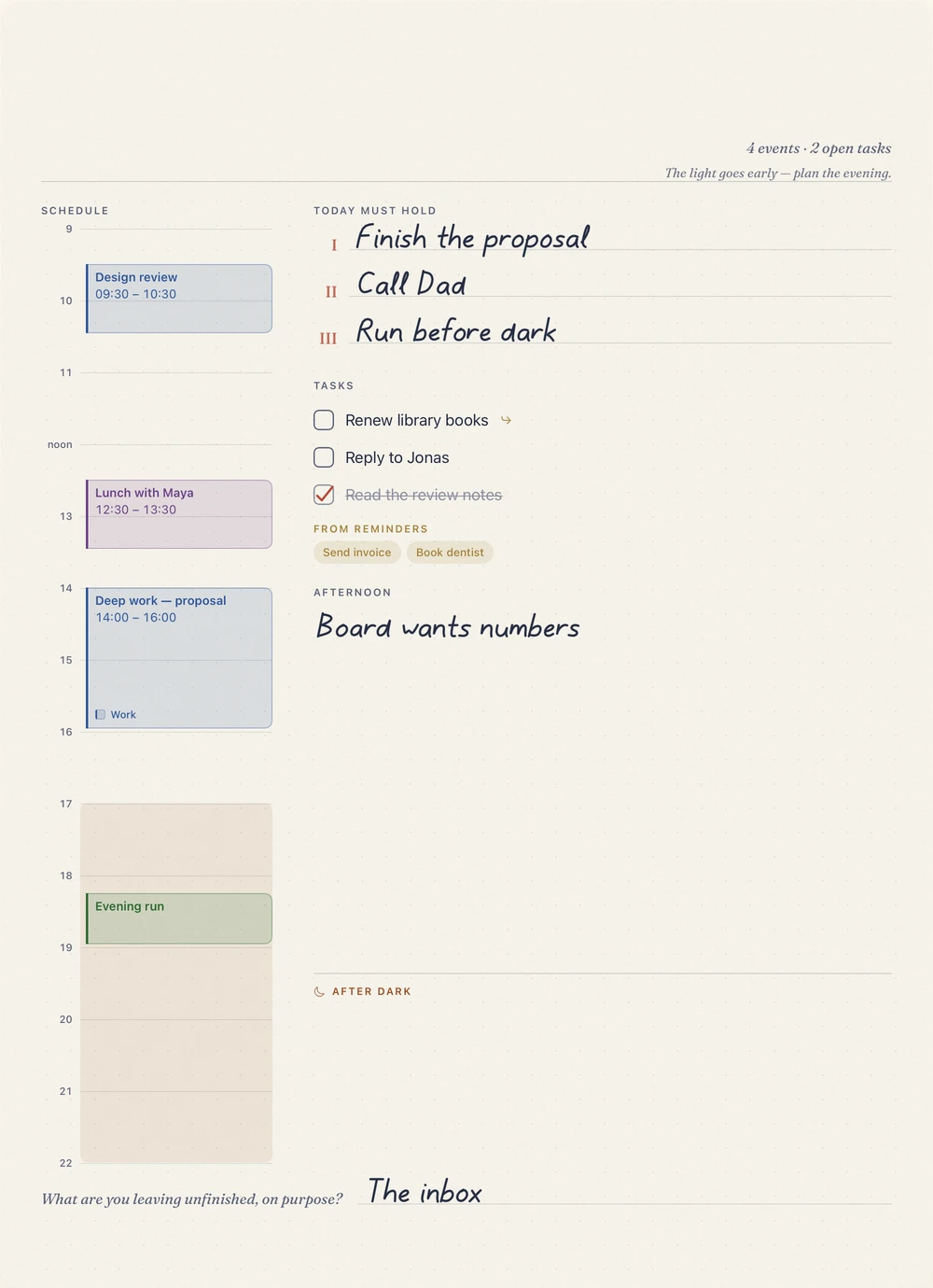
The light goes early. Afternoon and after-dark panes, with dusk shaded onto the timeline.
November 2026 Plus
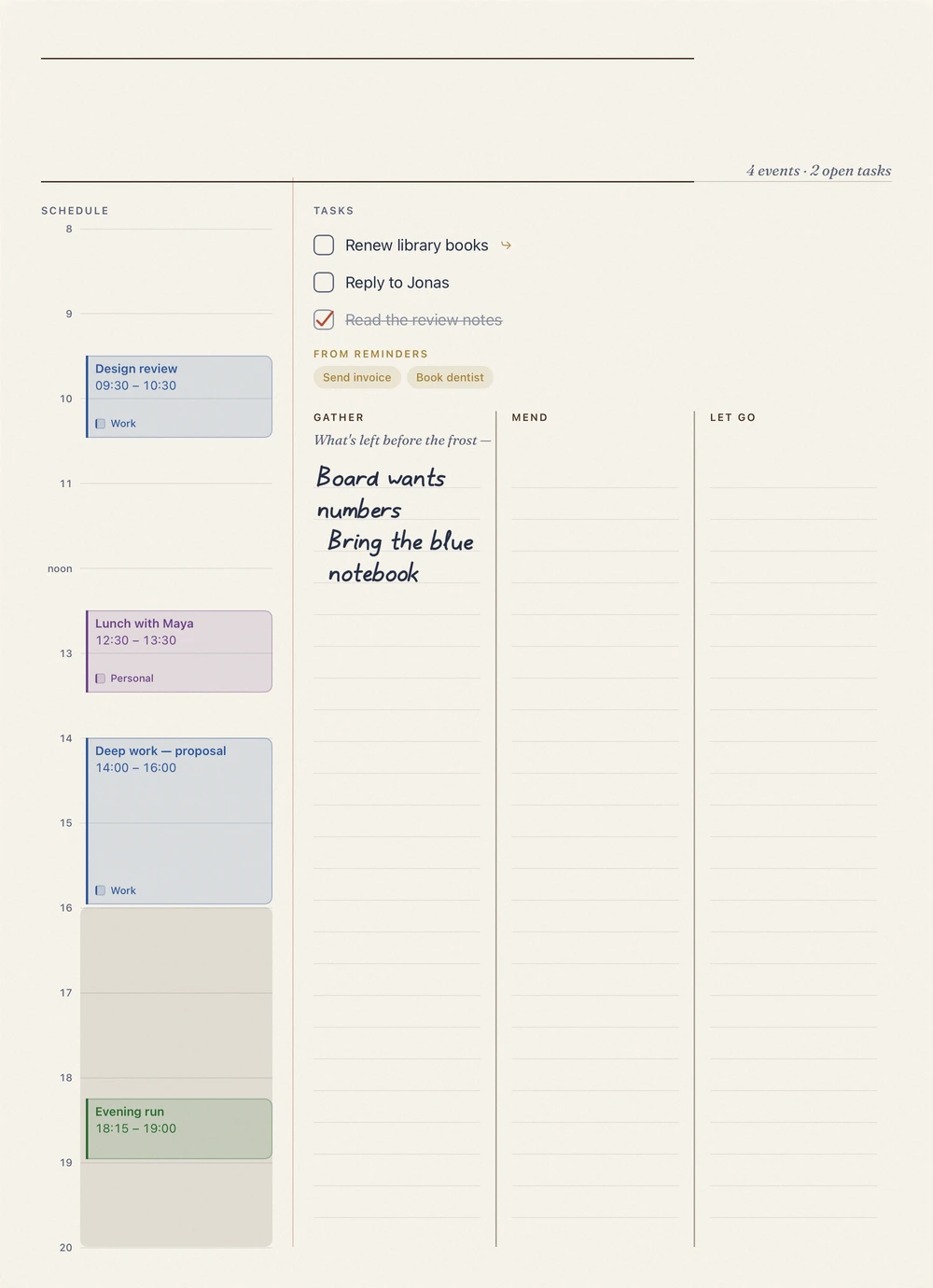
The last light goes into the ledger. Notes split into three columns — gather, mend, let go — before the frost.
December 2026 Plus
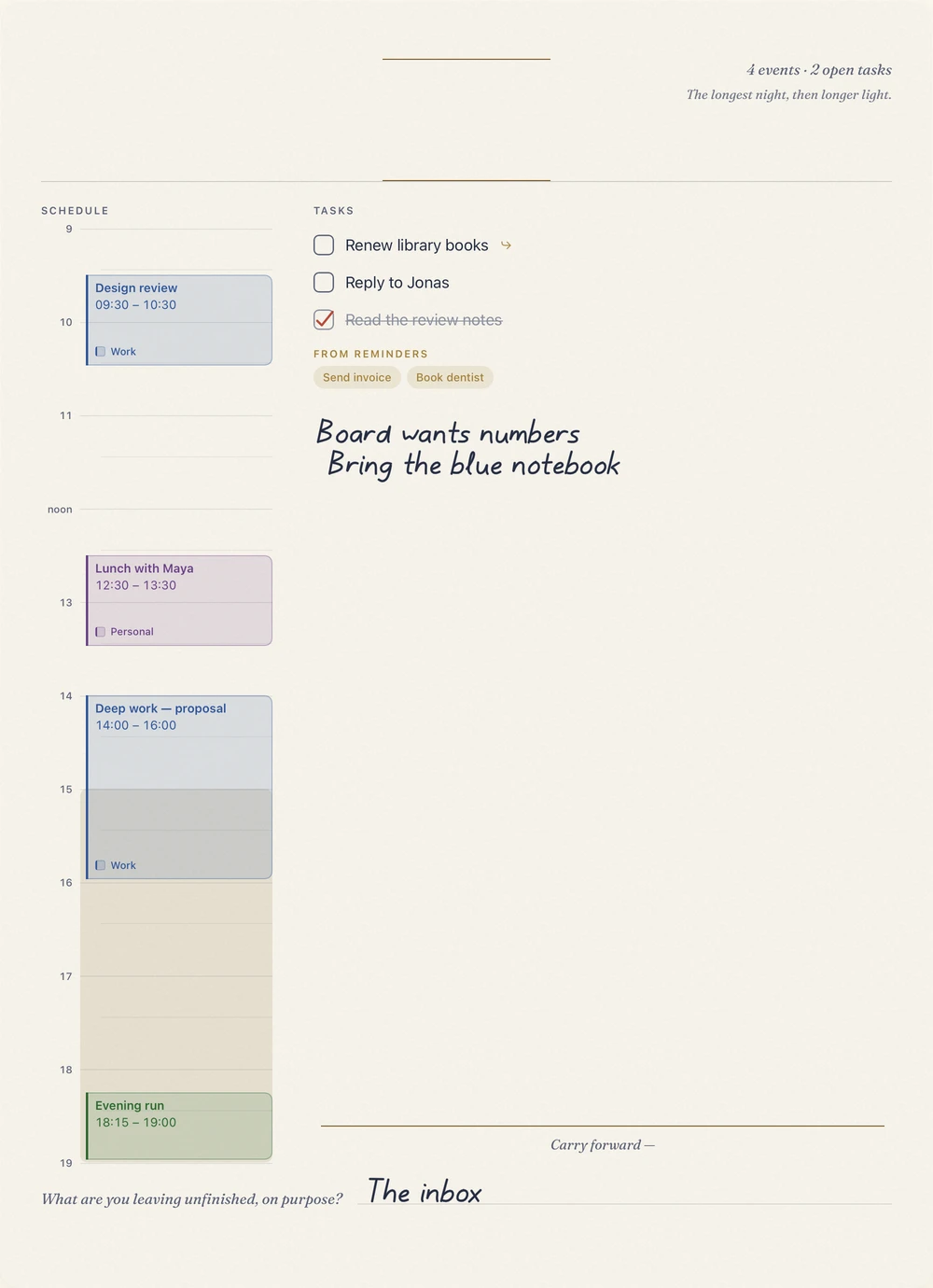
The year's longest night gets its own page. A quiet countdown runs the masthead; the notes close, rather than open, toward what carries forward.
December 2026 Plus
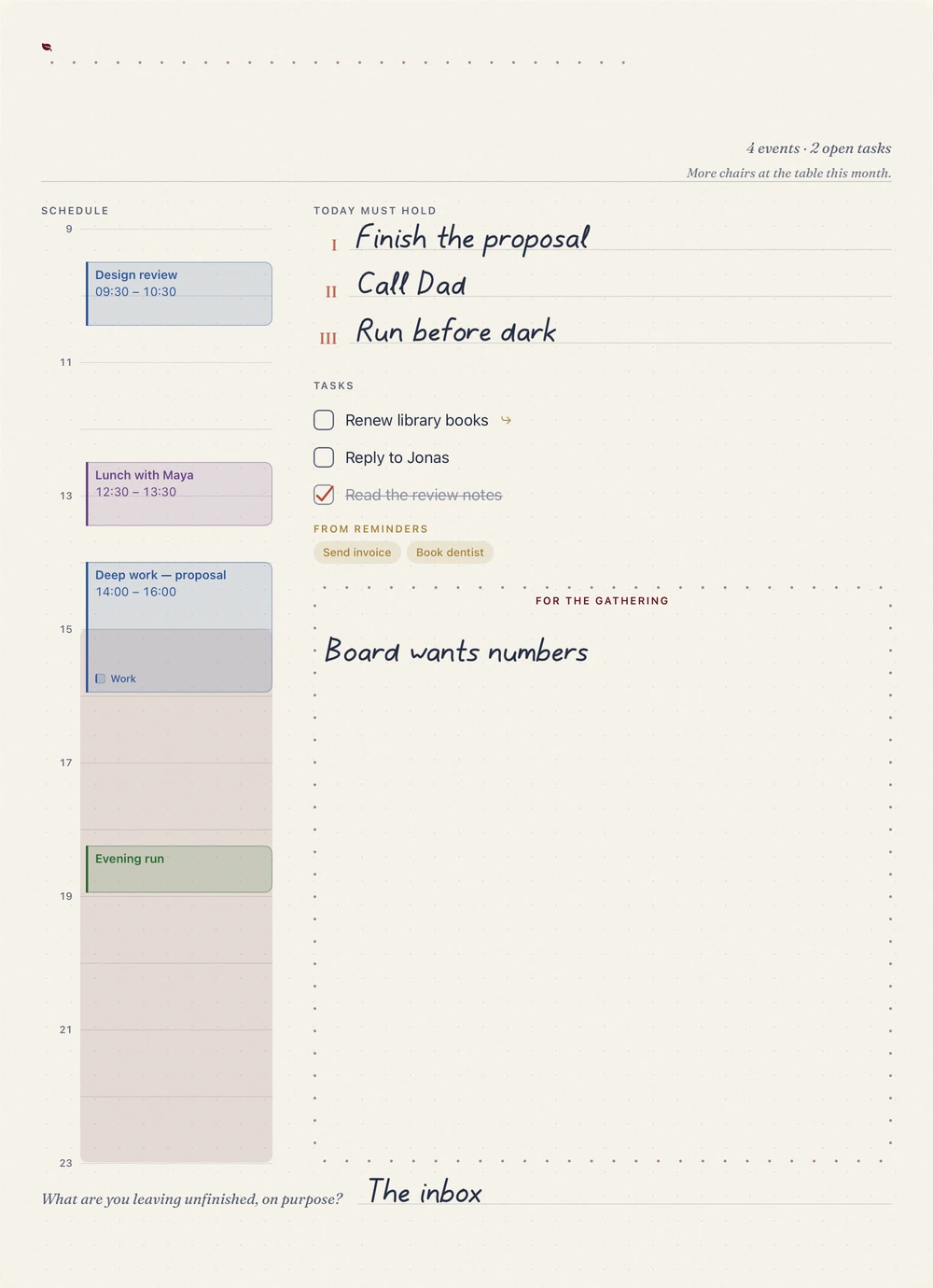
Boughs come in from the cold. The masthead strings a line of pin-dots like lights, and the notes sit inside a quiet frame for the gathering month.
Bring your own paper. Your first imported planner is free; Plus keeps a whole library.
Later
For now, Orifold is made for iPad.
Coming to the App Store.
Free to download. Requires iPadOS 26.